




















Your Ultimate Guide to Playing Melon Sandbox Online
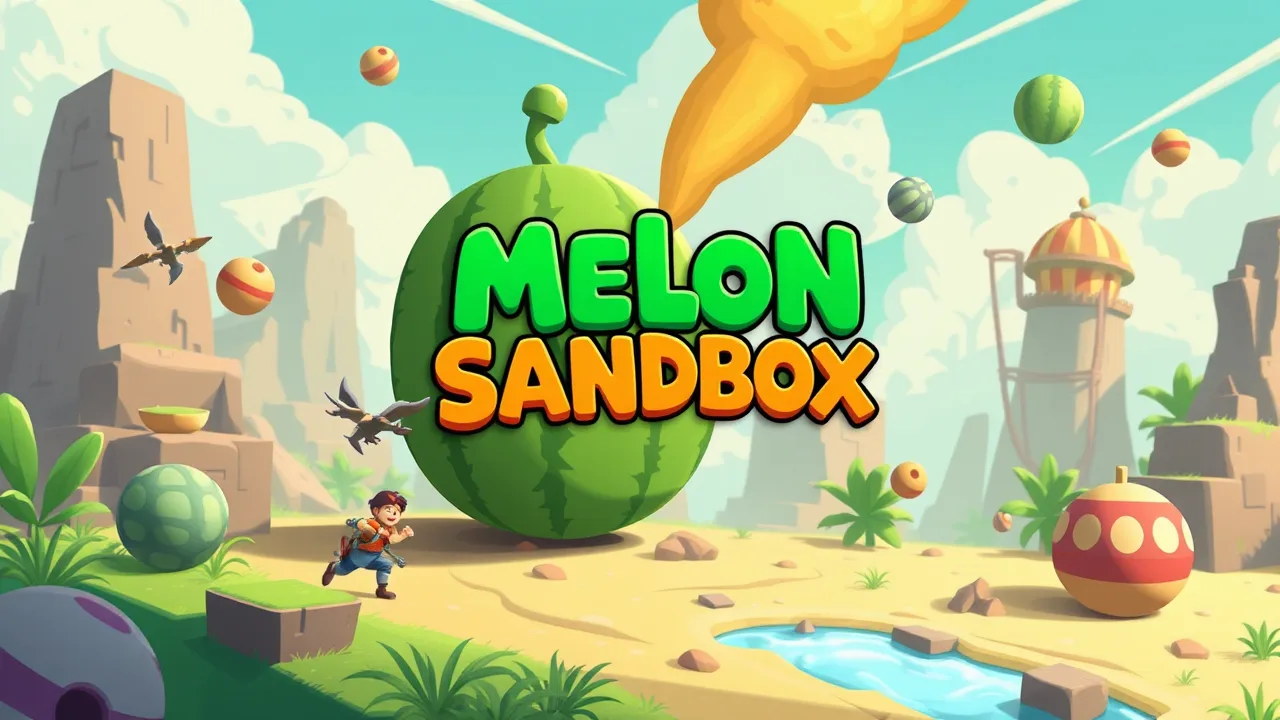
Step into a world of unlimited creativity and chaotic physics with Melon Sandbox Online Play. This popular browser-based experience invites you to experiment with ragdoll characters and various items in a completely open environment. Whether you want to build complex contraptions or simply enjoy the unpredictable nature of the game’s physics engine, this guide will help you get started and make the most of your time in this digital playground.
At its core, this game is a physics-based simulation that gives you total control over a 2D world populated by ragdoll figures. Unlike traditional games with set objectives, the goal here is entirely up to you. You can spawn characters, place weapons, and interact with the environment to create scenes or scenarios. The appeal lies in the realistic way objects react to gravity, force, and damage, making every session unique and entertaining.
| Feature | Details |
|---|---|
| Gameplay Style | Open-ended sandbox simulation |
| Controls | Mouse-based selection and placement |
| Session Pace | Relaxed and creative |
| Device Fit | Desktop and tablet friendly |
| Category Match | Physics and creativity tools |
How to Navigate the Interface
The user interface is designed to be intuitive, allowing you to focus on your creations rather than complicated menus. Typically, you will find a toolbar on the side of the screen containing different categories of items. You can drag and drop these items directly into the play area. Selecting an object often brings up a context menu where you can freeze it in place, rotate it, or change its properties. Familiarizing yourself with these basic controls is the first step to mastering the game.
Essential Controls and Interactions
Mastering the controls will significantly enhance your gameplay experience. Most interactions rely on a simple point-and-click system. You can grab objects to move them, apply force to them, or attach them to one another using ropes and rods. Keyboard shortcuts are often available to quickly switch between tools or to pause the simulation, giving you time to set up your next experiment without the physics engine running in the background.
Creative Ways to Play
Since there are no strict rules, players often invent their own challenges. Some enjoy building intricate machines using pistons and motors, while others prefer to set up elaborate trap scenarios. You can also try to recreate famous movie scenes or simply test how different objects interact under extreme conditions. The freedom to experiment is what keeps the gameplay fresh and engaging for long periods.
Optimizing Your Browser Experience
To ensure the game runs smoothly, it is important to optimize your browser settings. Physics-heavy games can be demanding on hardware, so closing unnecessary background tabs can help improve performance. If you experience lag, try lowering the quality settings within the game menu if available. Using a modern browser like Chrome or Firefox will also ensure that all the game’s features work as intended without compatibility issues.
Understanding the Physics Engine
The magic of this game lies in its sophisticated physics engine. Every object has weight, friction, and durability. When you drop a heavy item, it falls with realistic speed, and when it hits the ground, it might bounce or break depending on the material. Understanding these mechanics allows you to predict how your setups will react, helping you build more stable structures or create more impactful chaotic events.
Frequently Asked Questions
Is this game safe to play? Yes, the game is generally safe, though the cartoon violence can be graphic depending on your sensitivity. It is best suited for older children and adults.
Do I need to download anything? No, Melon Sandbox Online Play runs directly in your web browser. There is no need for downloads or installations.
Can I save my creations? Many versions of the game allow you to save your current scene or load previously saved setups, so you can continue your work later.
Is it free to play? Yes, the game is free to access and play online.